

Choose Menulio when you need a focused QR menu with fast edits, translations, photos, and clear sold-out status.

| Need | Menulio | MustHaveMenus |
|---|---|---|
| Main job | Keep a QR menu current for guests on any phone. | Create branded menus and restaurant marketing materials. |
| Best fit | Restaurants, cafes, bars, and food trucks that change items, prices, availability, or translations often. | Operators who need design templates, print-ready layouts, signage, flyers, and broader marketing material. |
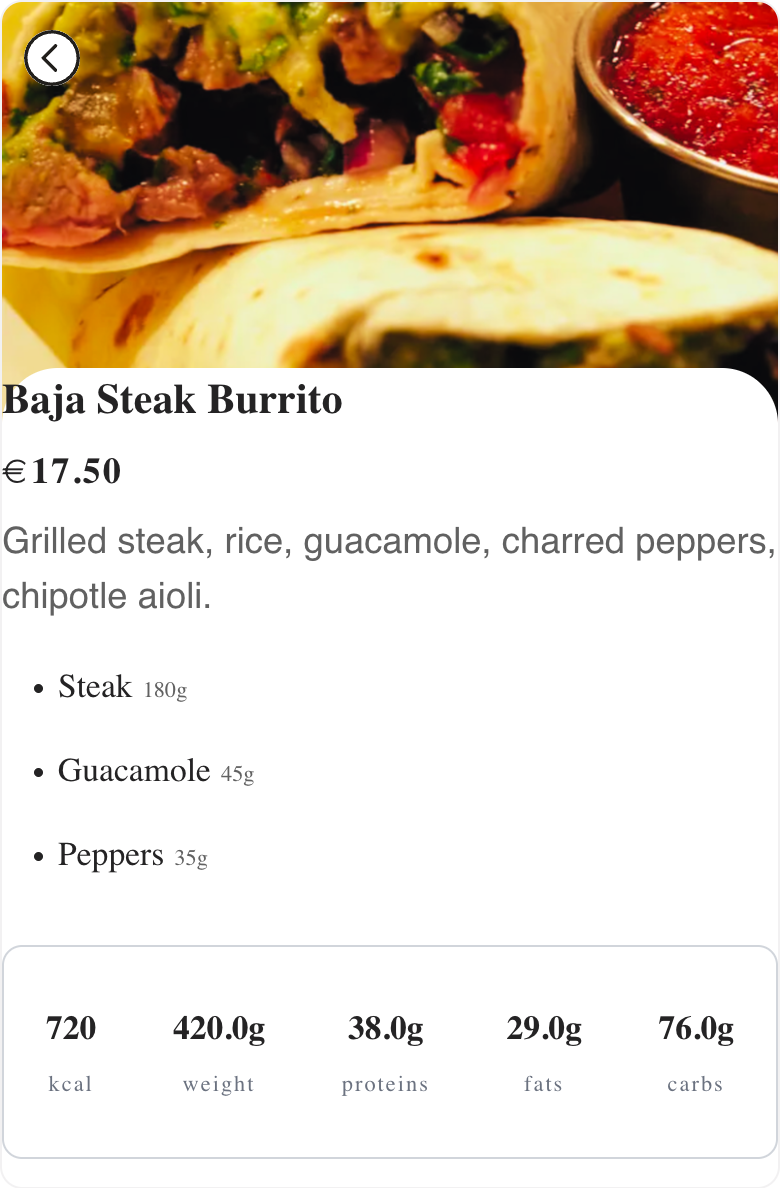
| Update workflow | Edit live menu items, prices, photos, sold-out status, ingredients, nutrition, and translations from the dashboard. | Edit a designed menu or marketing asset and publish, print, download, or share it. |
| Guest experience | Phone-friendly QR menu with item details and current availability. | Strong fit when the designed menu or signage presentation is the primary asset. |
| Tradeoff | More focused on live menu accuracy than broad brand-design work. | Broader design toolset, which can be more than a small operator needs for a simple live QR menu. |
No. Menulio is intentionally focused on live QR menus that stay accurate for guests. It is not trying to replace a broad print-design platform.
Yes. Menulio is a better fit when the PDF is hard to read on phones or keeps getting stale after item, price, or availability changes.
Yes. You can add translated category names, item names, and item descriptions for guests who prefer another language.
Yes. Food trucks can use the same QR code at the truck window, events, flyers, and social links while updating the live menu behind it.
Try it free for 15 days
10€/ month afterwards