Add translated item names and descriptions to the same QR menu, so guests can understand dishes without asking staff to translate.
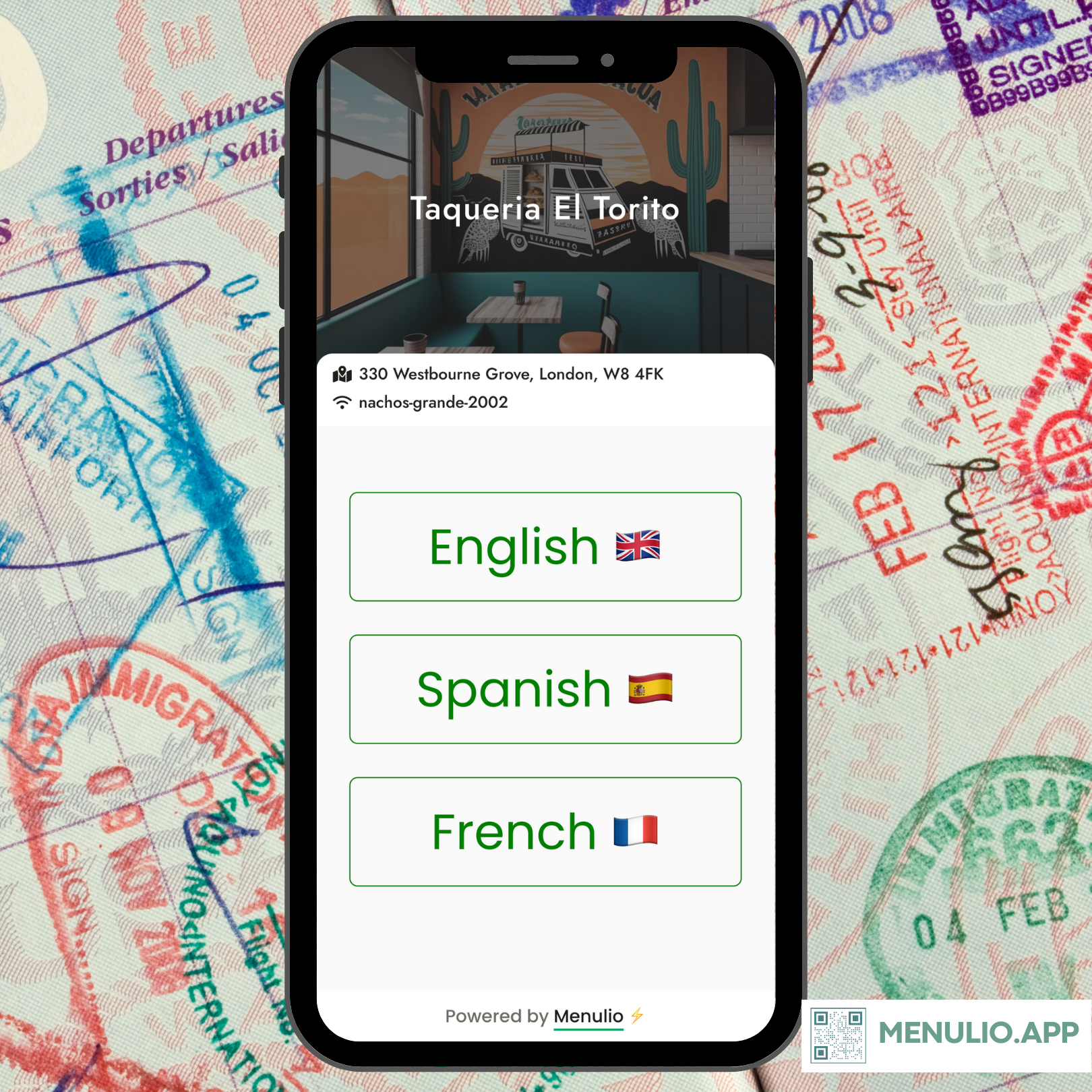
Tourist-area restaurants and multilingual neighborhoods often rely on staff to explain dishes again and again. A translated QR menu gives guests clearer item names, descriptions, ingredients, and choices before they order.
Menulio keeps translations connected to the live digital menu. When you update an item, add a dish, or change a category, the translated menu can stay part of the same workflow instead of becoming another stale PDF.
Help visitors understand dishes without slowing staff down.
Make drinks, specials, allergens, and ingredients easier to read.
Let guests scan at the window and choose quickly in their language.
1. Open menu settings and choose the languages you want guests to see.
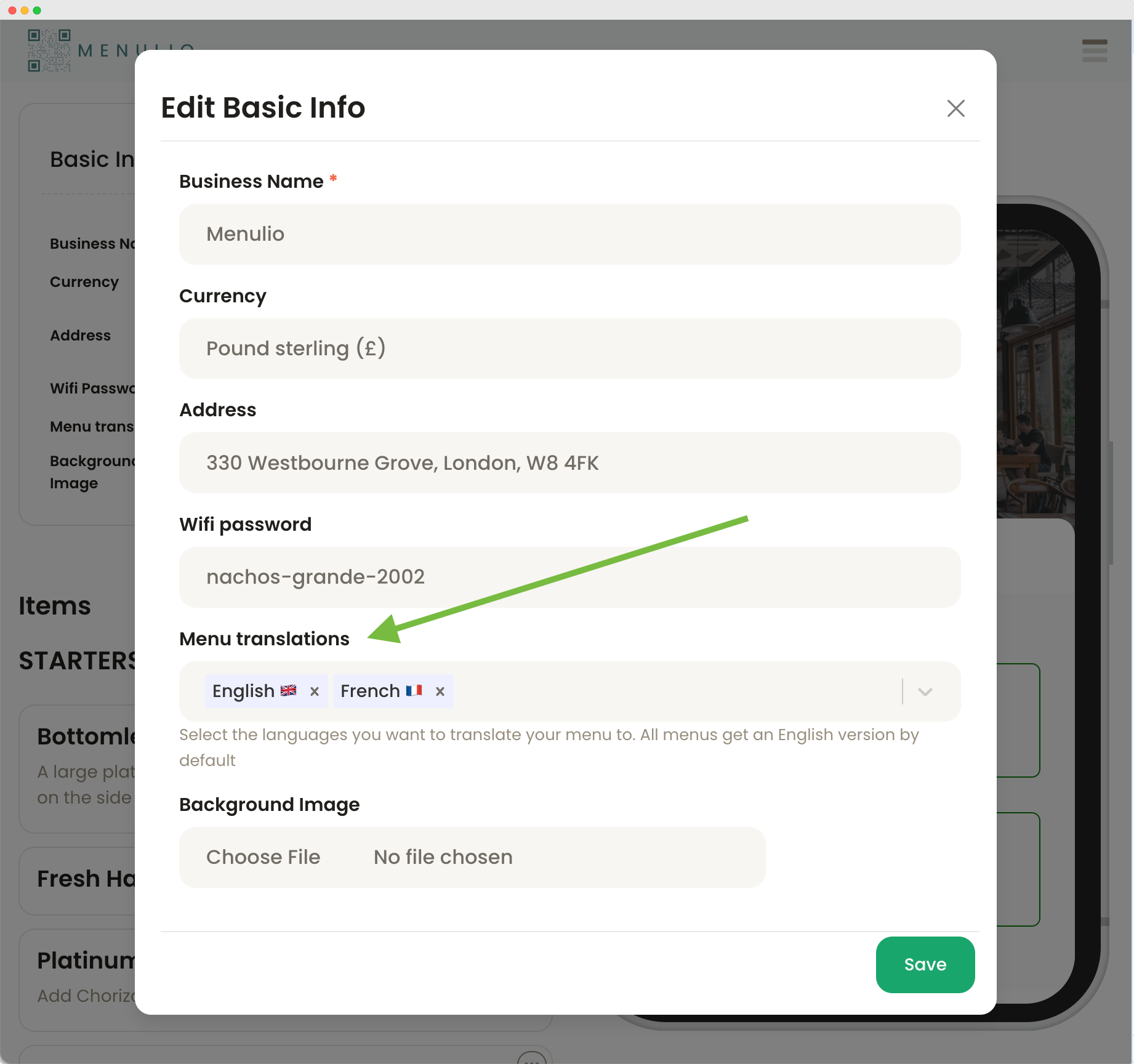
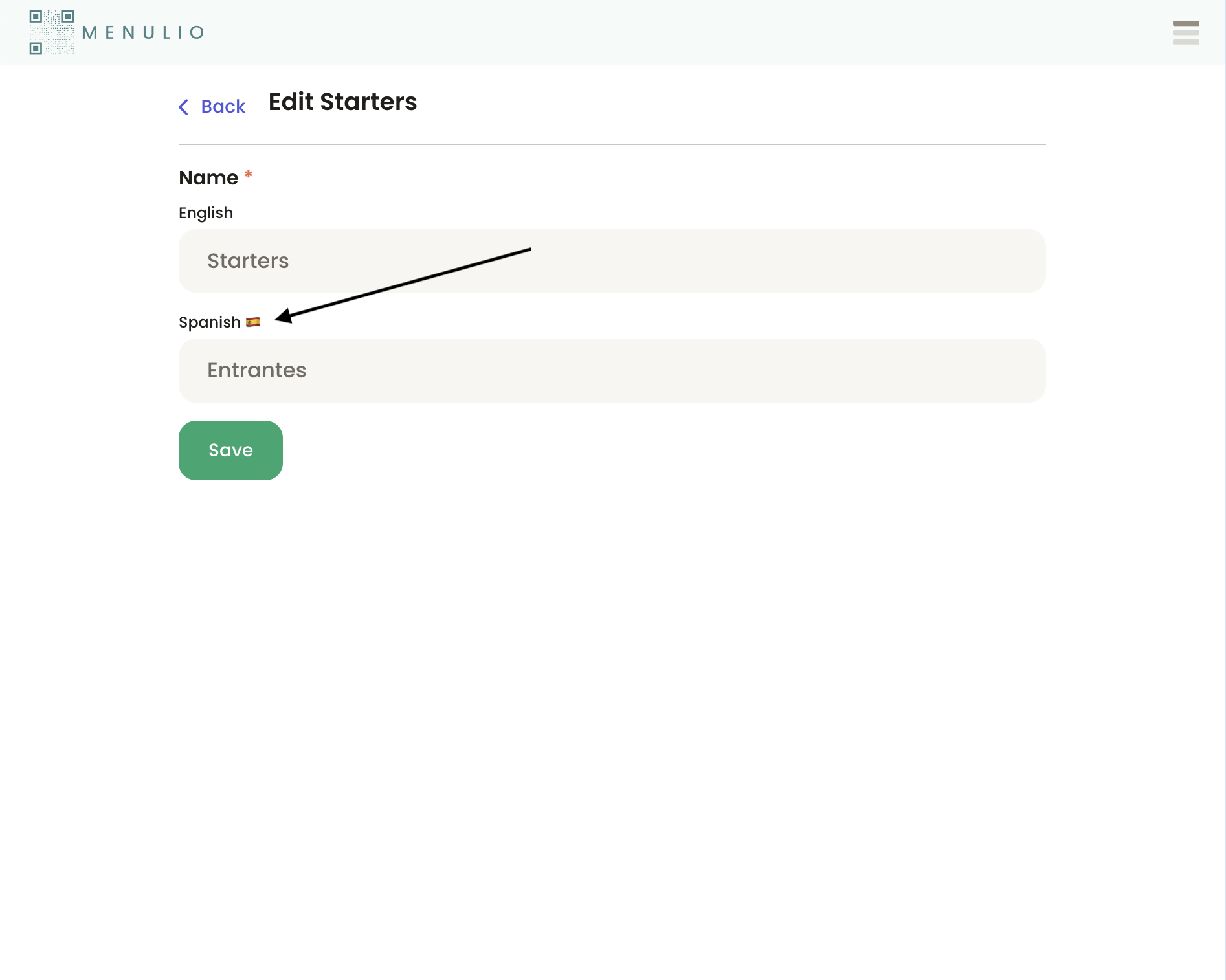
2. Edit each category and add the translated category names.
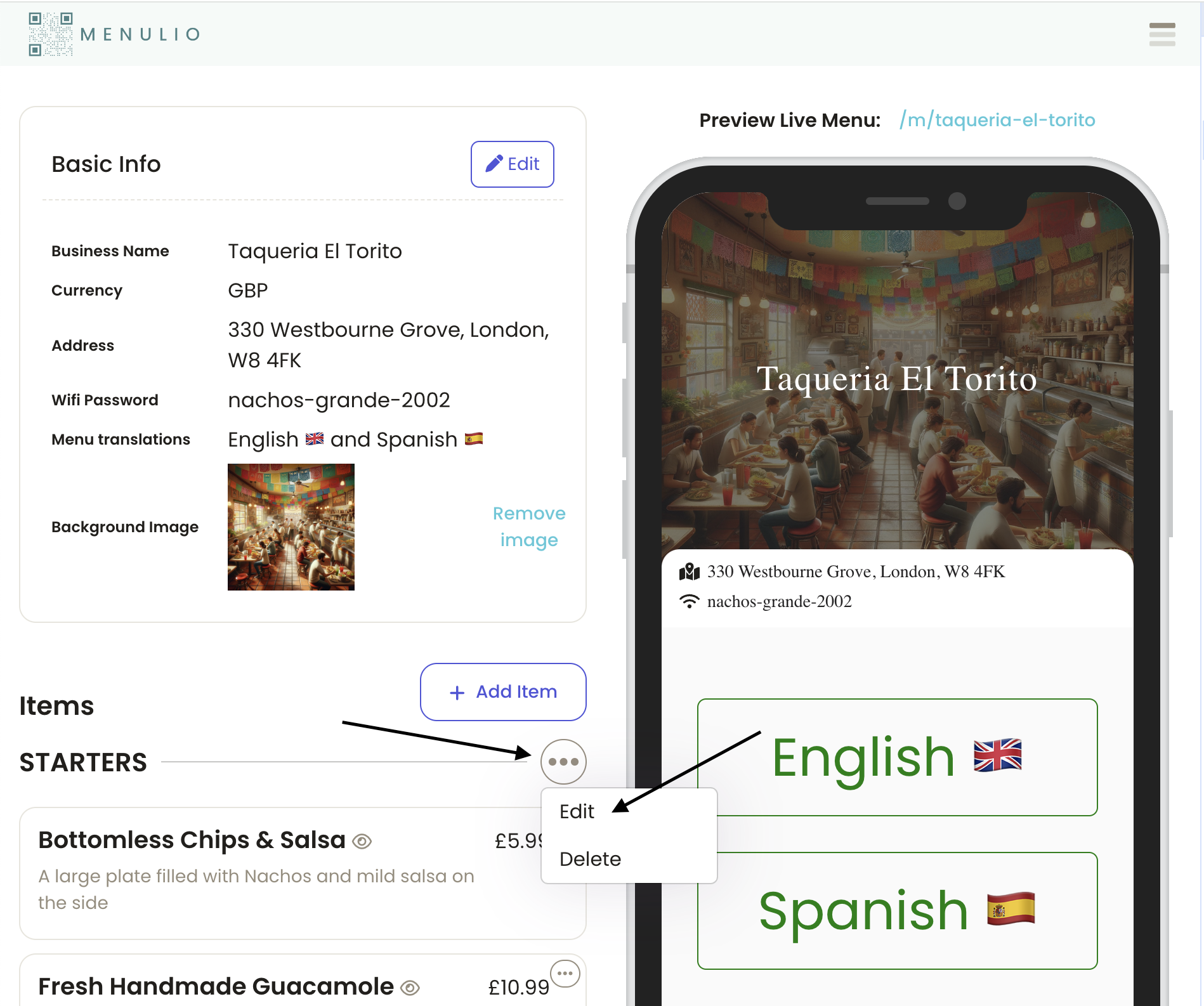
3. Save translated names for the languages you selected.
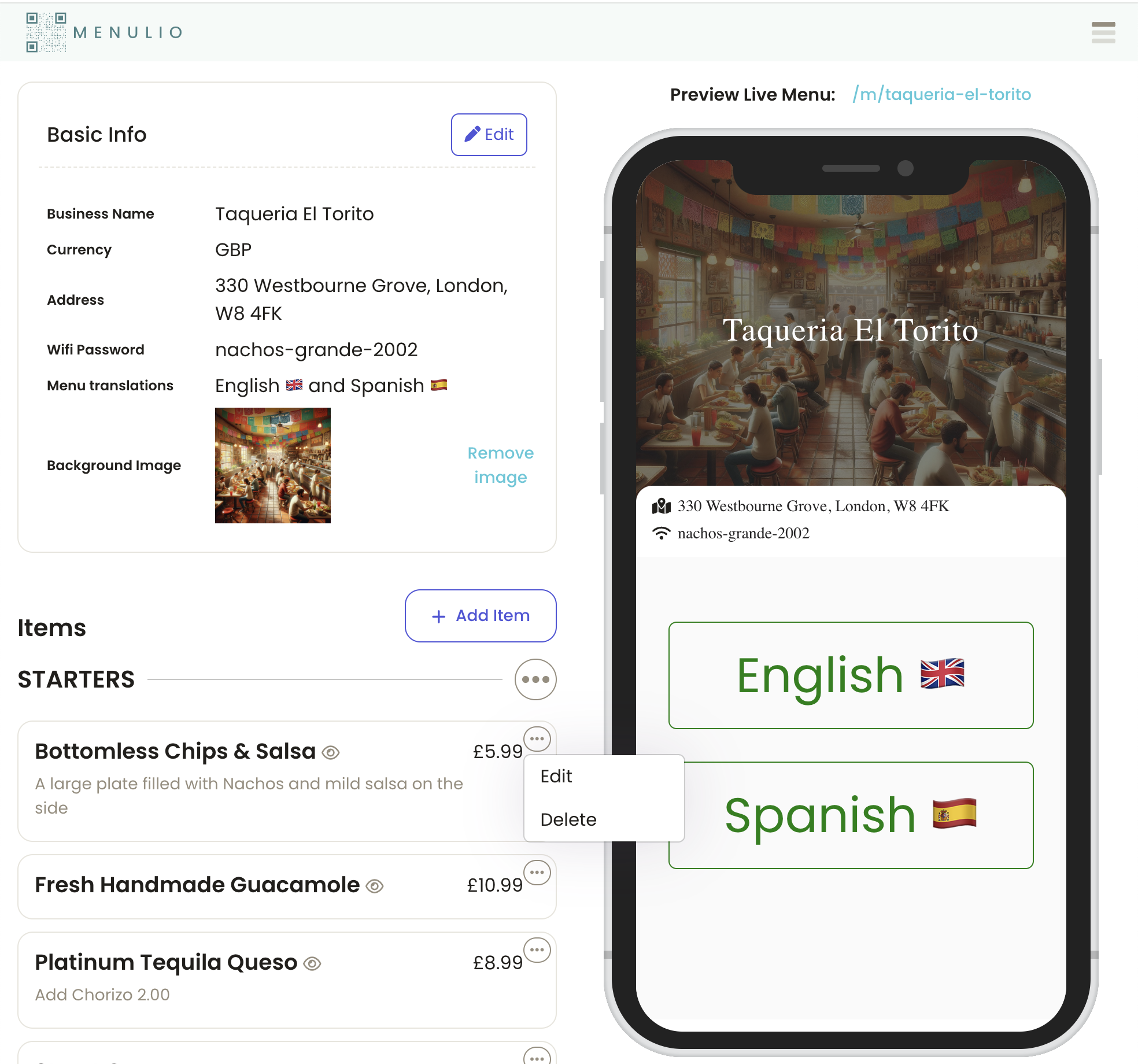
4. Open any menu item from the dashboard.
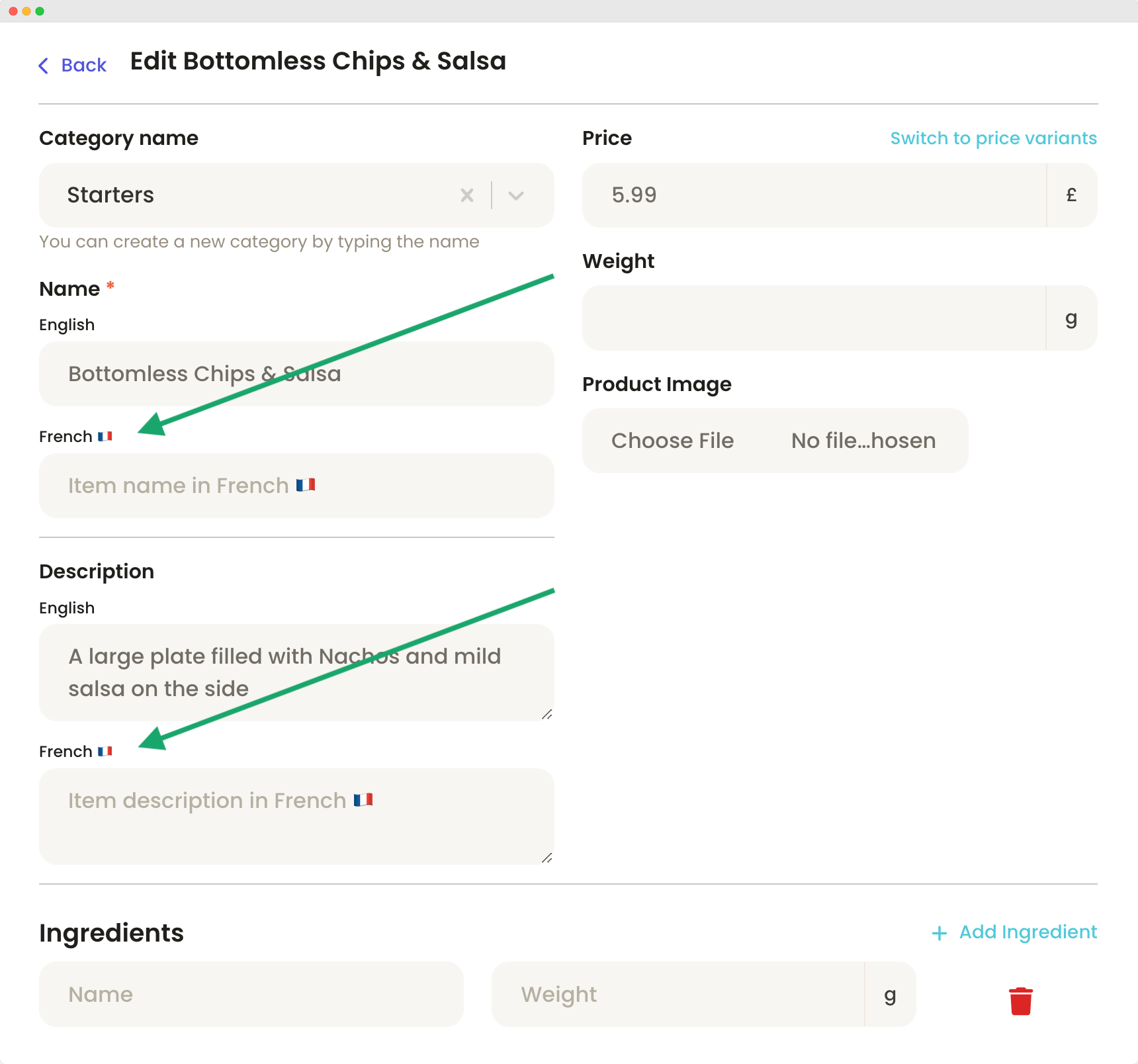
5. Add translated item names and descriptions so guests can understand what they are ordering.
No. Translations live inside the same QR menu, so guests keep scanning the same code.
Start with category names, item names, descriptions, ingredients, and allergy-sensitive details that guests ask about.
Restaurants near tourist streets, hotels, transit hubs, cultural districts, event venues, and international neighborhoods.
Yes. Menulio keeps menu building and translations in the same dashboard.
Try it free for 15 days
10€/ month afterwards